Sunday, April 26, 2009

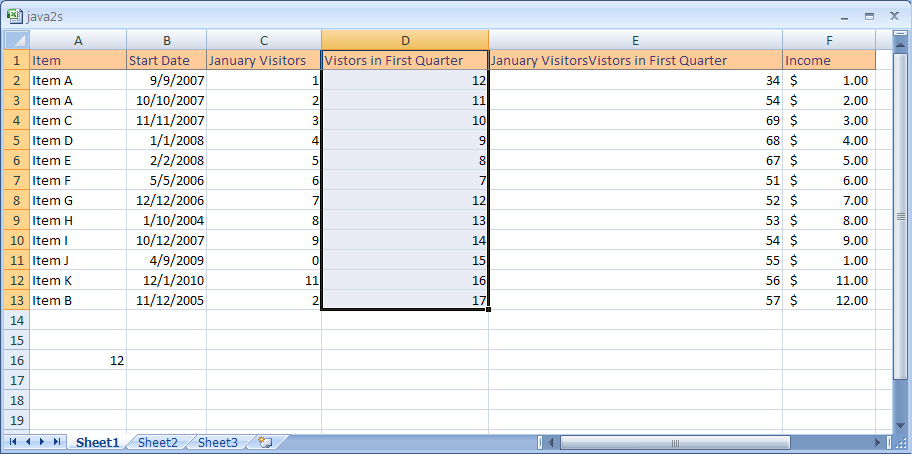
Worksheet


A grid of columns and rows into which you can enter numbers, text and formulas.

Workbook


A document that stores one or more worksheets.

Range


A group of cells that have been selected.

Fill Handle


It is a black square that can be used for many purposes.

Cell Reference


It is the location of a cell or a group of cells that contains the column letter and row number.

Active Cell


It is the cell that had been selected and is the cell in which you are putting information into.

Tuesday, April 7, 2009

Window


A part of the computer screen that shows an application's contents.

Toolbar


On a window a row of icons that represent commands, options, or applications.

Title bar


The bar on the top of the window that has the name of the program/application, the minimize button, maximize/restore button, and the close button.

Taskbar


It is a bar that has the start menu, currently running programs, and other programs.

Scrollbar


In a GUI, if certain graphics doesn't fit into the space on the computer window it allows you to scroll down the window to view the rest of the page.

Restore


The button you click on to make the size of the program on the screen to way it was before you maximized it.

Pointing Device


A device that can move a cursor on a GUI.

Minimize


The button that you click on that shrinks the screen.

Menu bar


The horizontal bar that has commands or options for you to choose from.

Monday, April 6, 2009

Menu


A list of commands/options that you choose from.

Maximize


This increases the size of the program on the screen by making it full screen.

Icons


Small pictures on your computer that represent either commands, files, and other functions.

Folder


A storage place on your computer where you can store documents.

Desktop


The screen that you first see when you start the computer.

Friday, April 3, 2009

Which OS is more accessible?

The OS that is more accessible for impaired people is the Microsoft Active Accessibility. It helps impaired people by providing programs such as screen readers, screen keyboards, and narrators to tell them what is on the screen.

Wednesday, April 1, 2009

Utility software


It adds more capabilities to the operating system. It is an essential and non-essential to the operating system.

User interface


Anything that can be used by a human using a specific device to change something they want.

Unix


It was one of the first multitasking operating systems that can be installed in any computer that had a C compiler.

Systems software


It refers to the utility programs, including the operating system. It manages computer resources. The software can include loaders, debuggers, and compilers.

Software development


It is the process in which better software is made.

Operating systems


The most important program that operates the basic tasks of a computer.

Network operating system


An operating systems that has special functions for computers in a local area network.

MS-DOS


An abbreviation for Microsoft Disk Operating System. It was Microsoft's first operating system for personal computers.

Language translators


A program that translates words or phrases from one language to another.